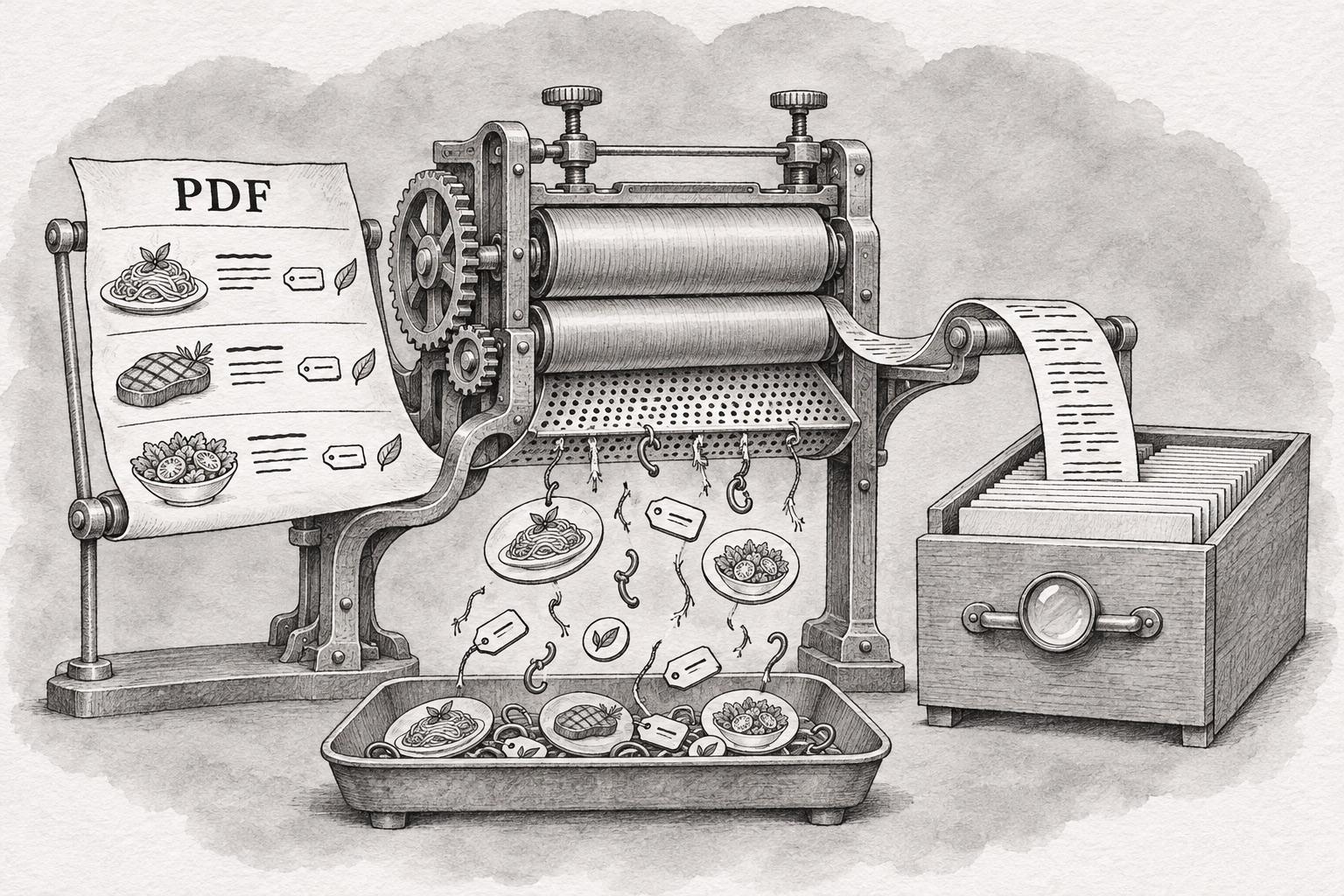
Google turns a PDF into HTML before indexing a word of it. Martin Splitt placed the step exactly on the Search Off the Record episode published on 13 October: "It happens right after rendering and right before something potentially makes it into the index." He and John Mueller spent twenty-five minutes on how Search handles PDFs; Barry Schwartz and PPC Land's Luis Rijo both wrote it up within a day.
A PDF menu does get read
The belief that Google cannot see inside a PDF has been wrong for years, and the episode says so without hedging. Splitt on where converted files end up: "Yeah, indexing and ranking is pretty much the same as any other document." On whether they can appear in AI Overviews and AI Mode: "Because it is basically internally a normal HTML page, nothing wild." Mueller added that AI systems are probably drawing on PDFs for training and grounding, though he framed it as an assumption. Links embedded in the file survive conversion and get crawled.
So a menu uploaded as a PDF is in the index, it can rank, and an assistant can quote from it. The problem is further down.
The converter produces prose, not markup
Whatever Google holds after conversion was assembled by software reading a layout. A JSON-LD block lives in a page's source as a script element that the publisher wrote; there is nowhere in a PDF to put one, and no step in the conversion that invents it. A price in a PDF is a set of glyphs positioned near a dish name. Nothing in the file states that the figure is the price of that dish, that the dish sits in a section called Mains, or that the two letters beside it mean the kitchen can make it without gluten.
Those relationships are the entire content of a MenuItem. A diner reconstructs them instantly from the typography. A converter does not, because it was never given them.
Google will not come back for the file
Mueller on recrawling: "So our systems are not going to refetch the PDF file every couple of minutes." Google treats a PDF as a static object and fetches it far less often than an HTML page. His suggested fix carries a cost most restaurants will not have priced in: "That also means that if you do want to make changes to a PDF file, it can make sense to just use a new file name."
A new filename is a new URL. The QR code on the table now leads to a document the kitchen has stopped cooking from. Leave the filename alone and the opposite happens — Mueller described ending up "in this weird state" where the old and new versions compete in the index. A restaurant changing its menu with the seasons gets to choose which of those two it would rather manage.
A scanned menu contains no text at all
The failure that costs the most is the quietest one. Menus exported as flattened artwork, or scanned from a printed sheet, reach Google as pictures of words. Splitt: "So you lose all text content." The test in the episode: open the file, try to select a line, and paste it into a text editor. If nothing comes across, nothing is being indexed either. Images inside a PDF have no standalone URLs, so they do not behave like pictures on a web page, and the words rendered inside them are not words as far as Search is concerned.
The documented limit is not the constraint
Neither host could name Google's size ceiling for PDFs. "I don't know the specific limit for PDF files," Splitt said, before inviting listeners to work it out themselves: "So if you all find out what the limit is by experimentation, let us know." Google's own Googlebot documentation, updated on 3 February 2026, puts it at 64MB, against 2MB for HTML. Rijo's write-up led on that gap between the hosts and the docs.
For a menu, the number is academic; nothing a kitchen exports comes close. The ceiling is generous precisely because file size was never the thing standing between a menu and a search result.
Splitt's preference was plain: "Obviously HTML is a really flexible format and I prefer that." An HTML menu can state that a number is the price of a named dish, which section it belongs to, and which diets it suits, and Google will fetch it again when it changes. The PDF version of the same menu says all of that to a person holding a phone, and none of it to anything else reading the page.